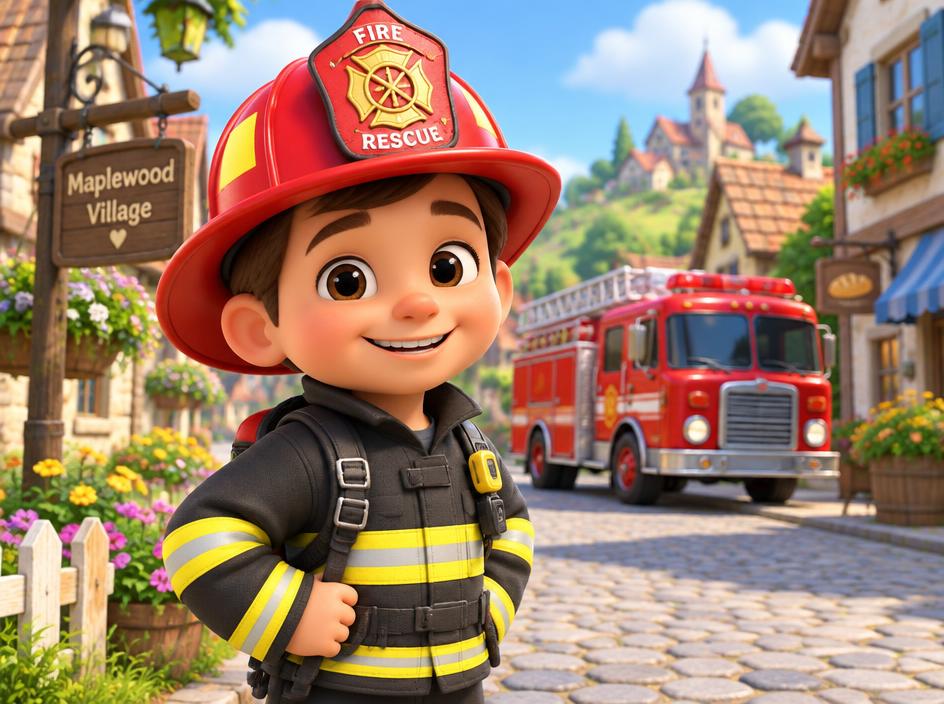
Kids animation & cartoon series
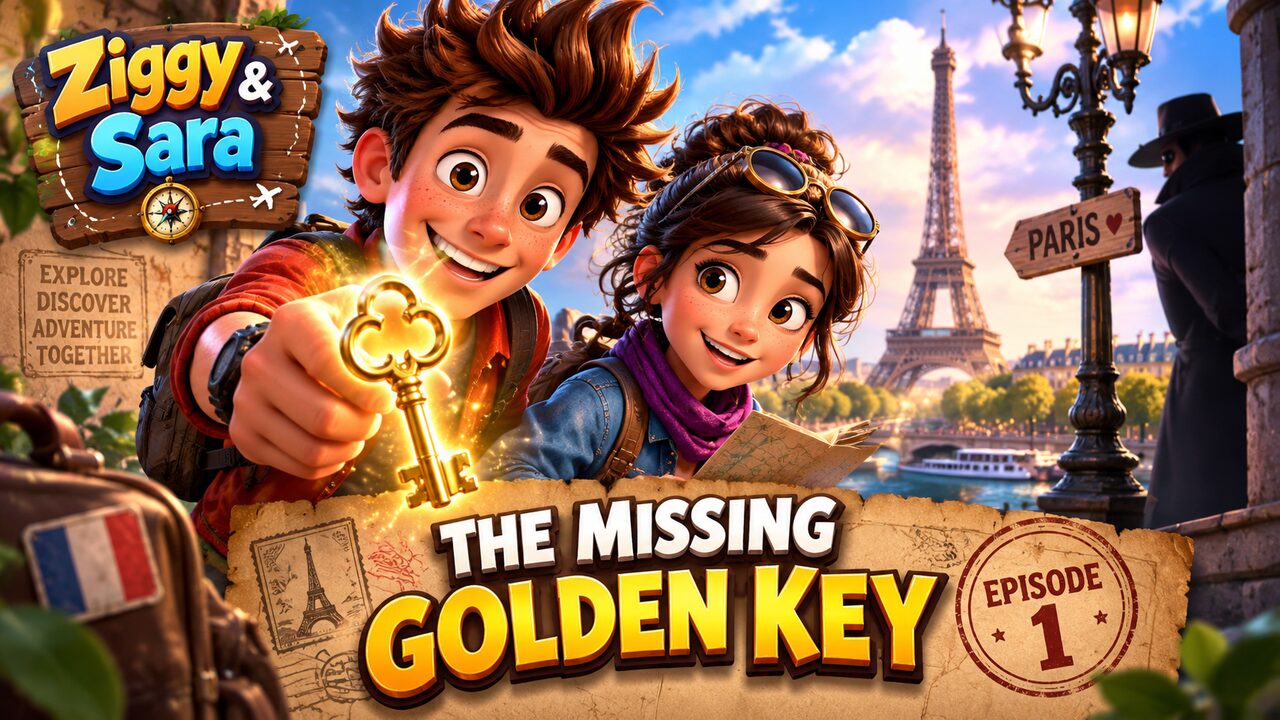
A recurring cartoon with the same characters in every episode.
- — Story beats written for you
- — Characters stay on model
- — Narration and music
Animated stories, product videos, sleep and ambience, Shorts, and long recordings cut into clips. Start from a prompt, an image or a source video — CLIP handles the storyboard, the scenes, the voice, the captions and the export.
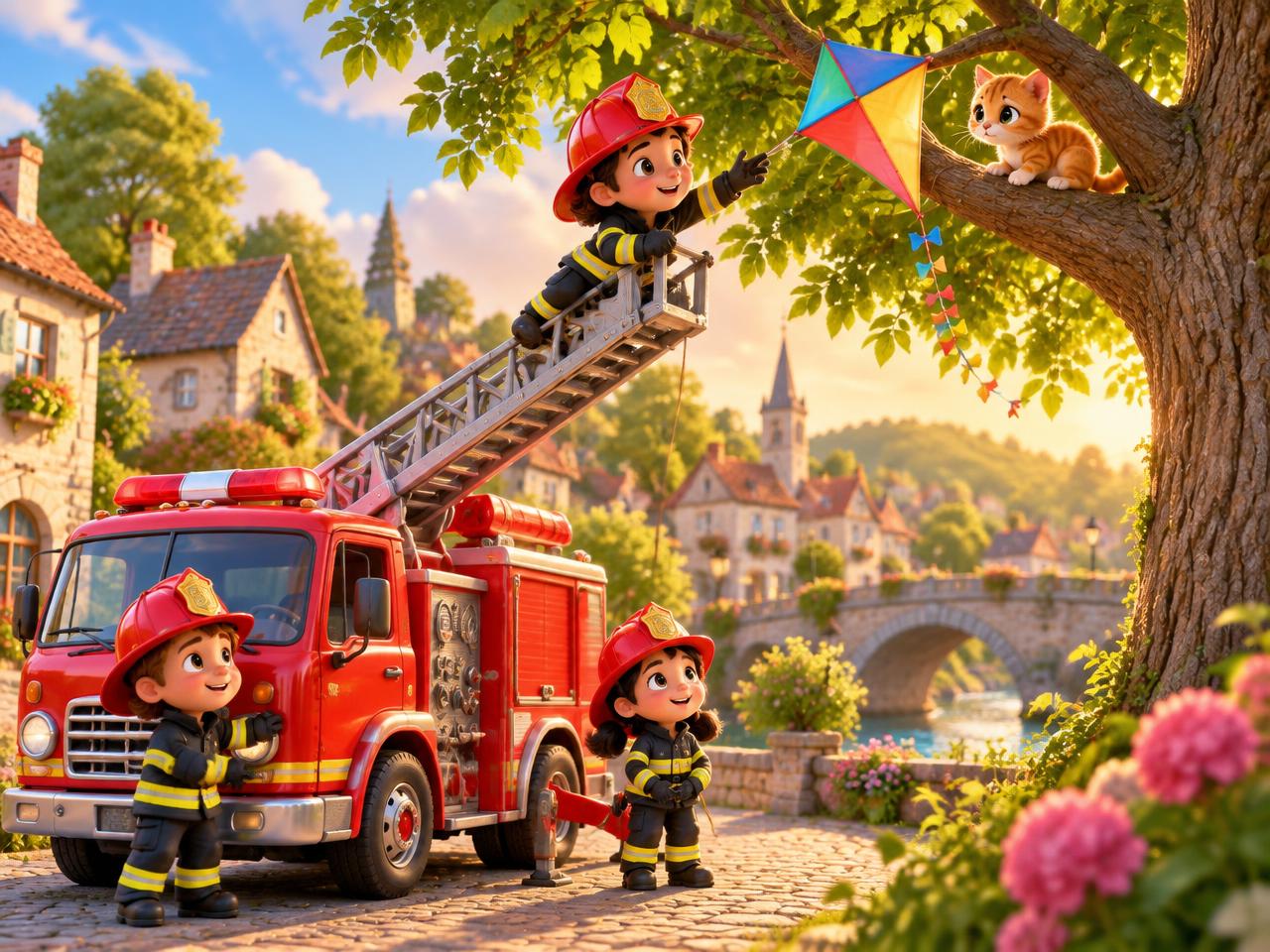
A recurring cartoon with the same characters in every episode.
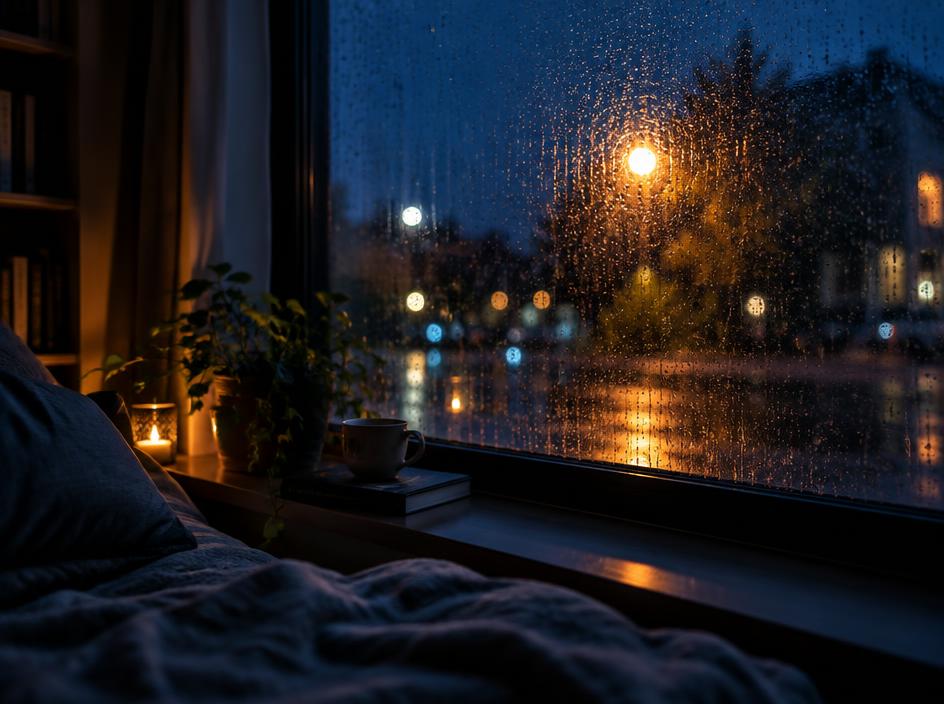
Long, calm rain or ambience videos that keep one mood the whole way.

Vertical shorts with a hook in the first two seconds and burned-in captions.
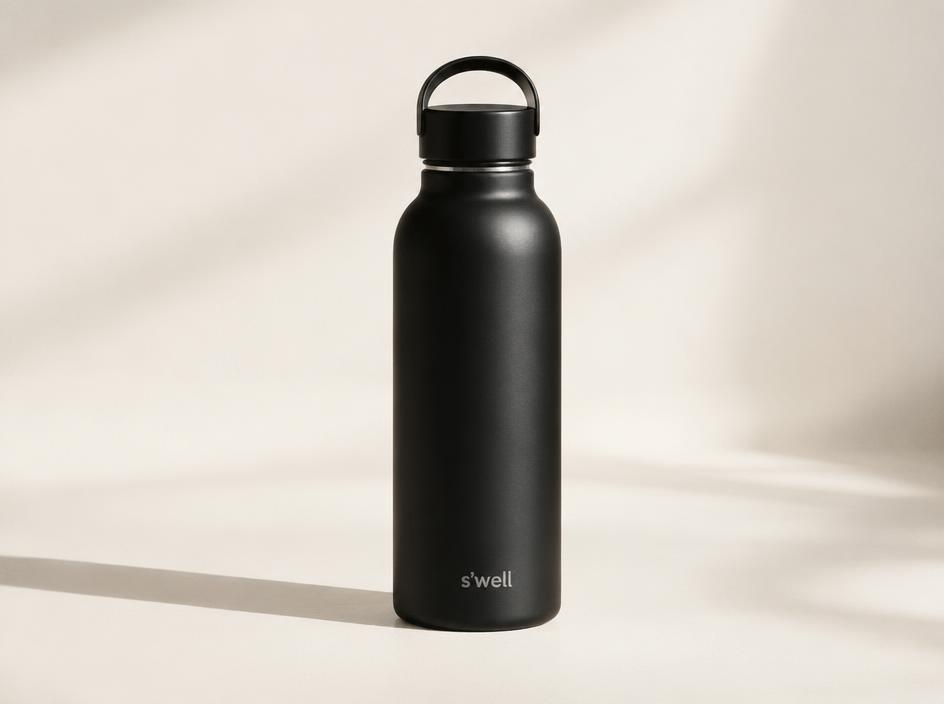
Your own product photo turned into a few clean, moving beats.
Narrated explainers you never have to appear in.
A podcast or webinar cut into the moments worth posting.
Card visuals are illustrative — CLIP never shows someone else's video as its own.
One sentence, a picture you already have, or a long recording to cut down.
A scene-by-scene plan you can edit. Free, and nothing is generated until you approve it.
Scenes animate with your own look and characters, then export with voice and captions.
Type one sentence or drop in a picture and get an editable scene-by-scene plan.
Reuse characters and reference images so episode ten still looks like episode one.
Bring a single photo to life, or animate every scene of a storyboard.
Narration, audio and burned-in captions happen in the same workflow, not five tools.
The storyboard and scene preview are free. Nothing is generated until you approve it.
Download finished files with subtitles, or send them out from one place.
Upload a podcast or webinar and get the strongest moments, cut and captioned.
Plan a recurring series and approve each episode from one review list.